Share a location
Use a location message to agree on a meeting point, or live location sharing to let people in a chat follow your position for a chosen period.
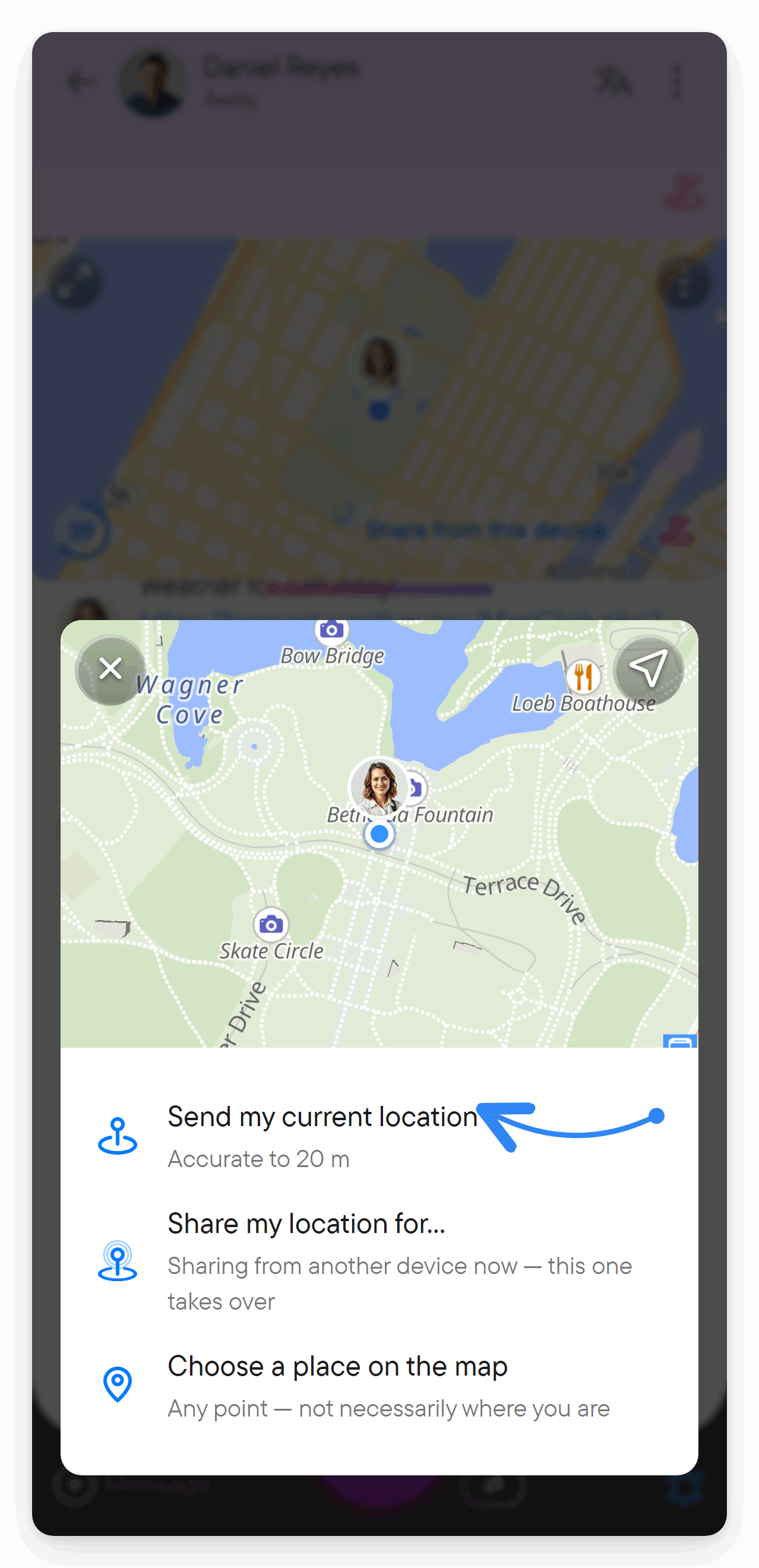
Send your current position
- Open the chat and choose + → Location in the composer.
- Allow location access when prompted.
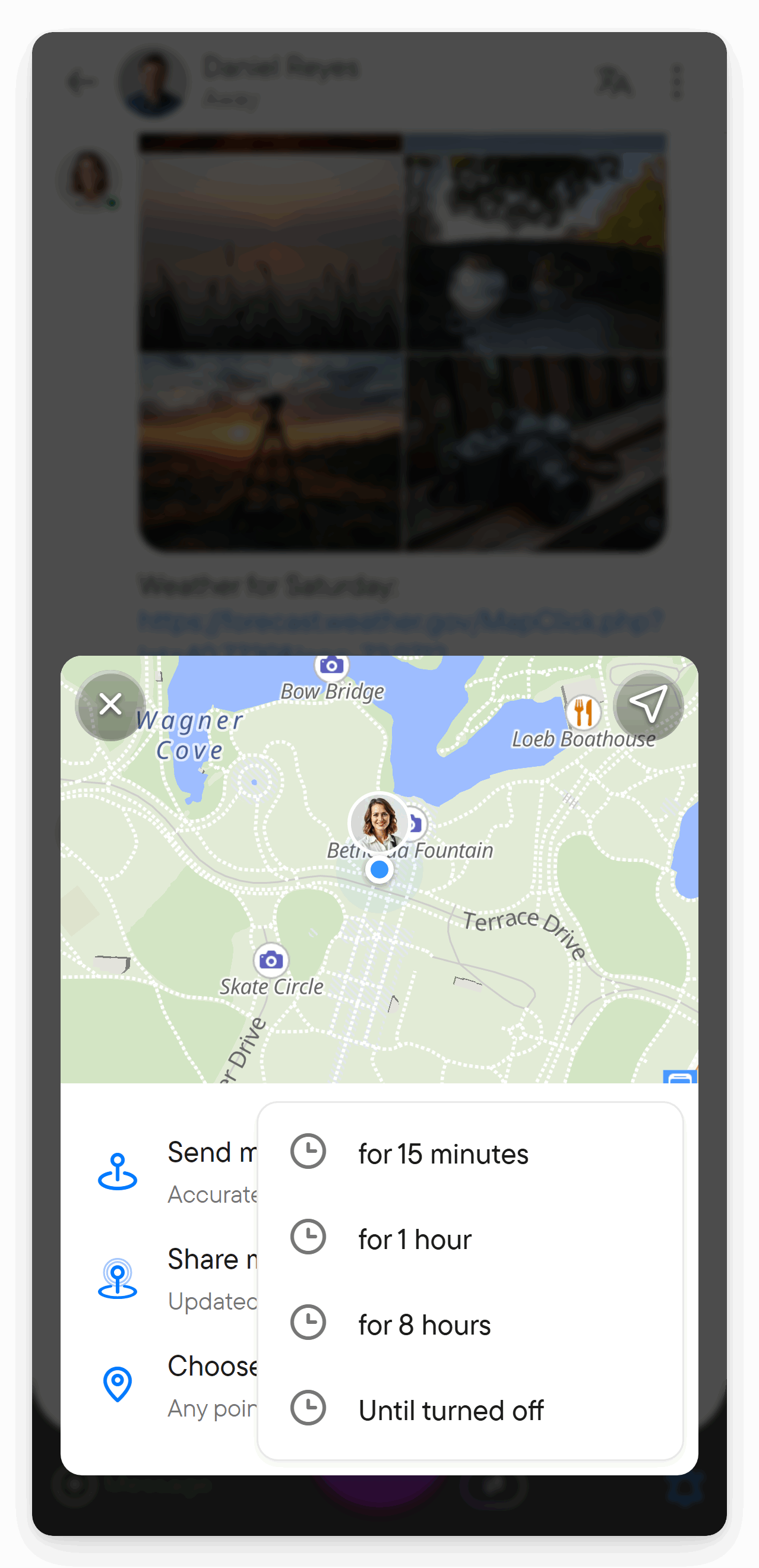
- Choose Send my current location.
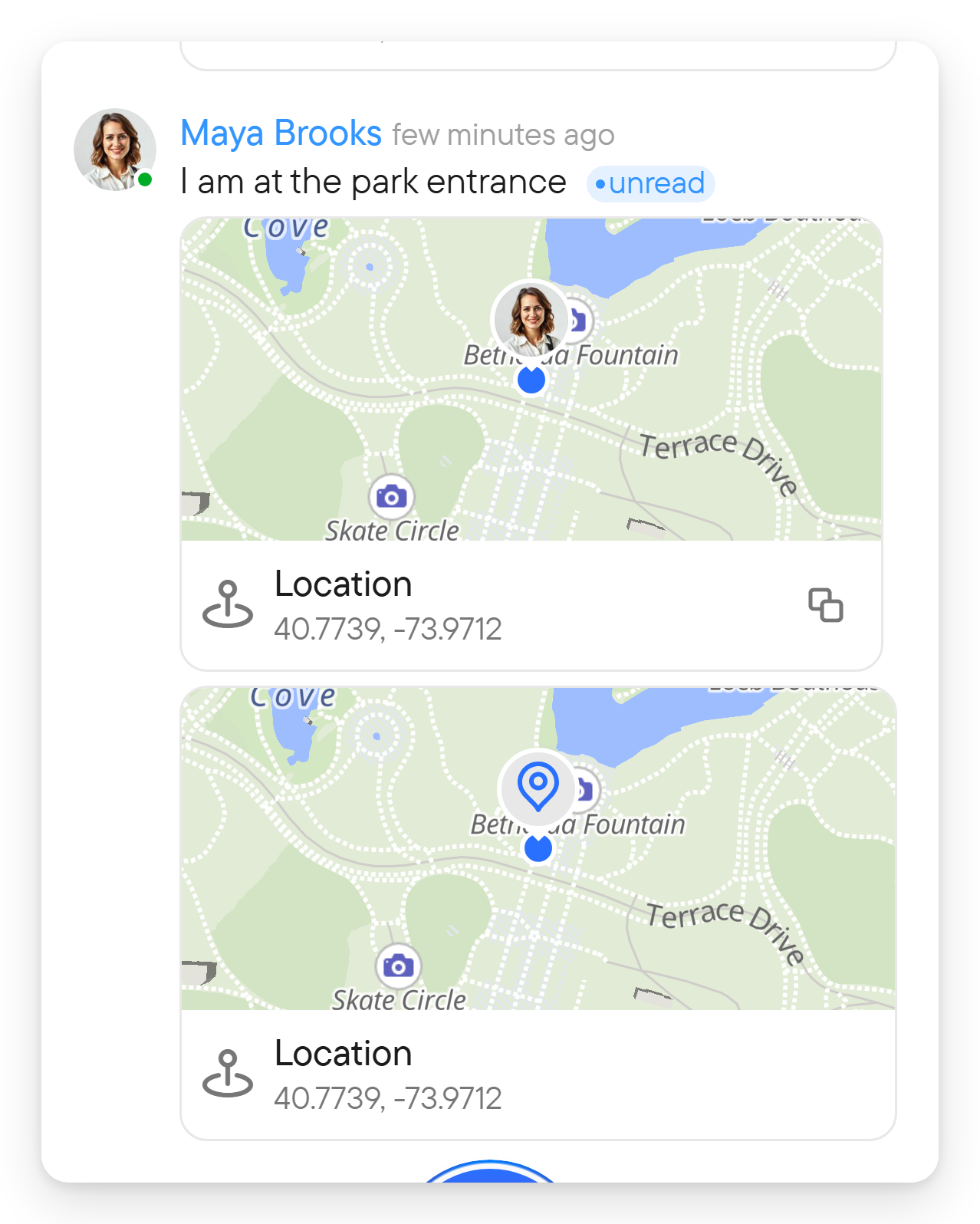
This sends a position at a point in time; it does not start continuous sharing.
Choose a meeting point on the map
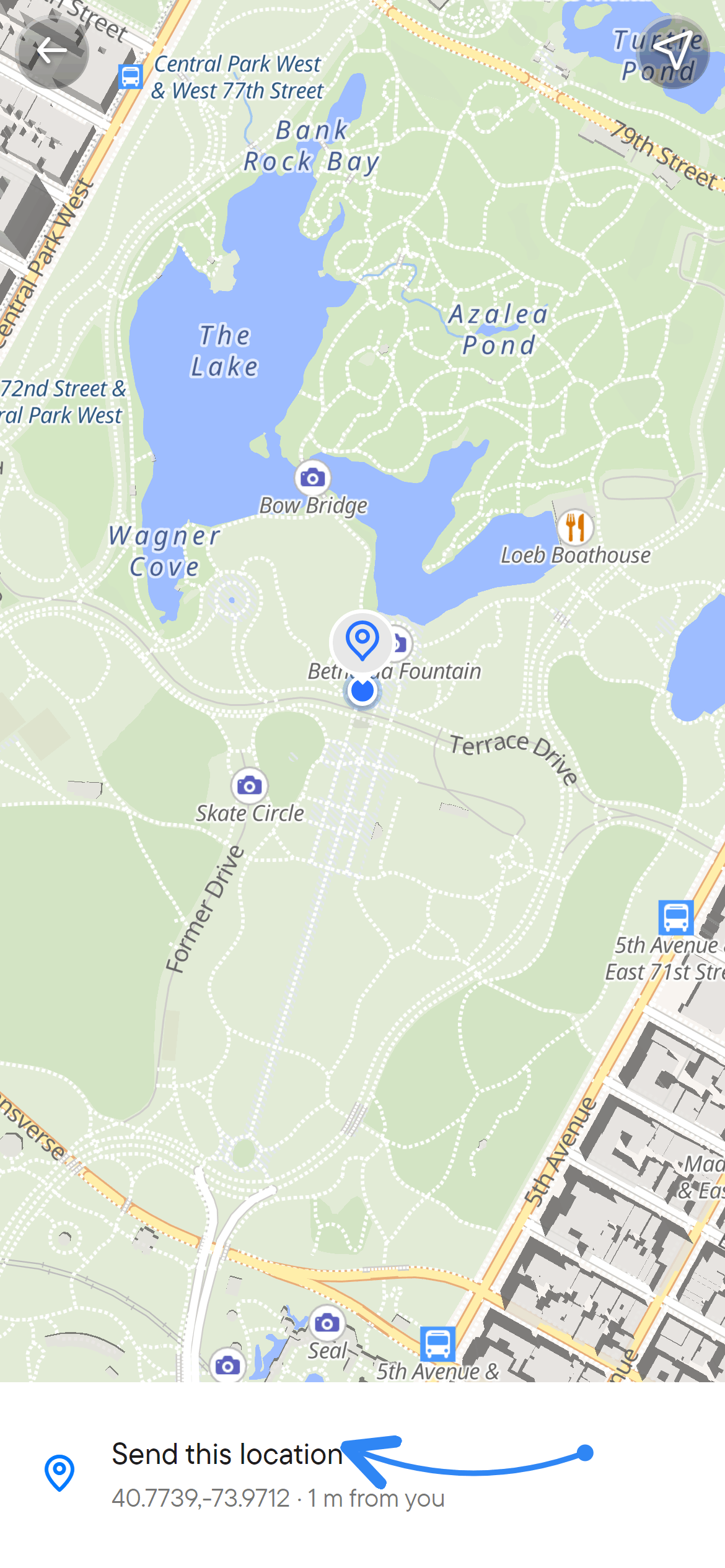
- Open + → Location.
- Choose Choose a place on the map.
- Move the map until the pin marks the intended point.
- Choose Send this location.
The point can be somewhere other than where you are. Choosing an arbitrary map point does not require access to your own device location.
Share while you move
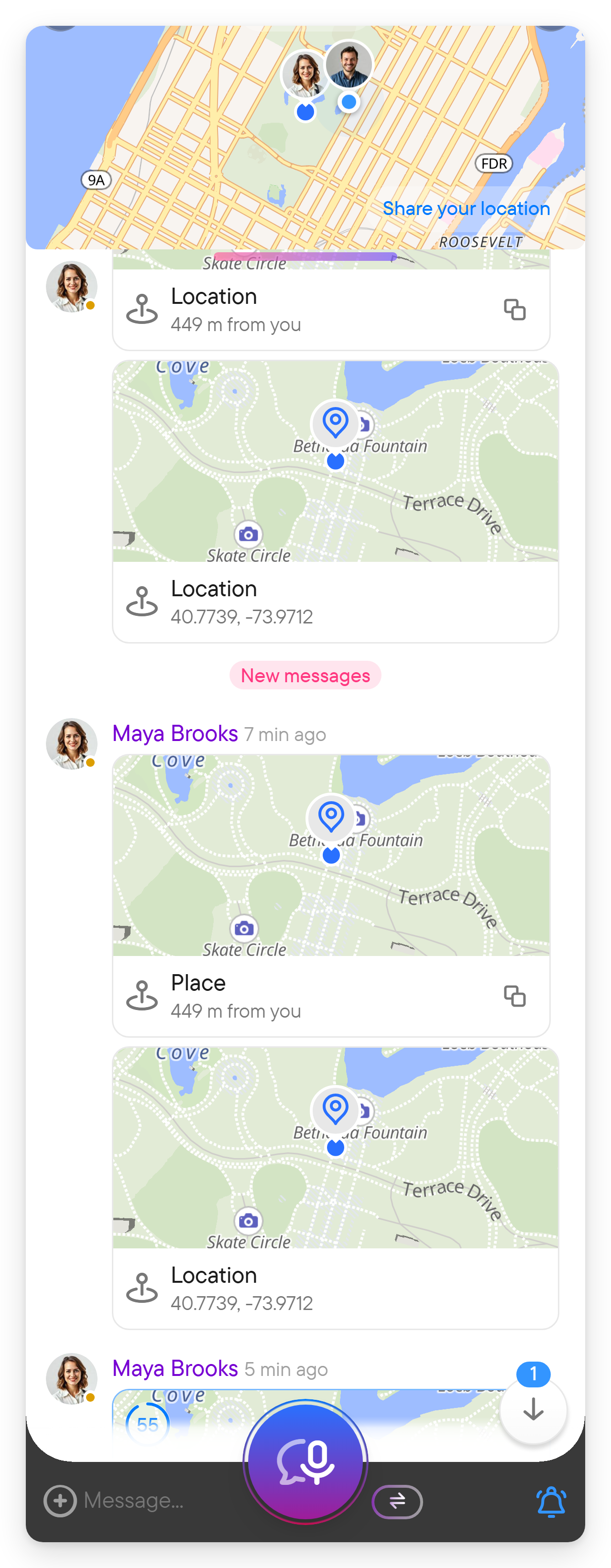
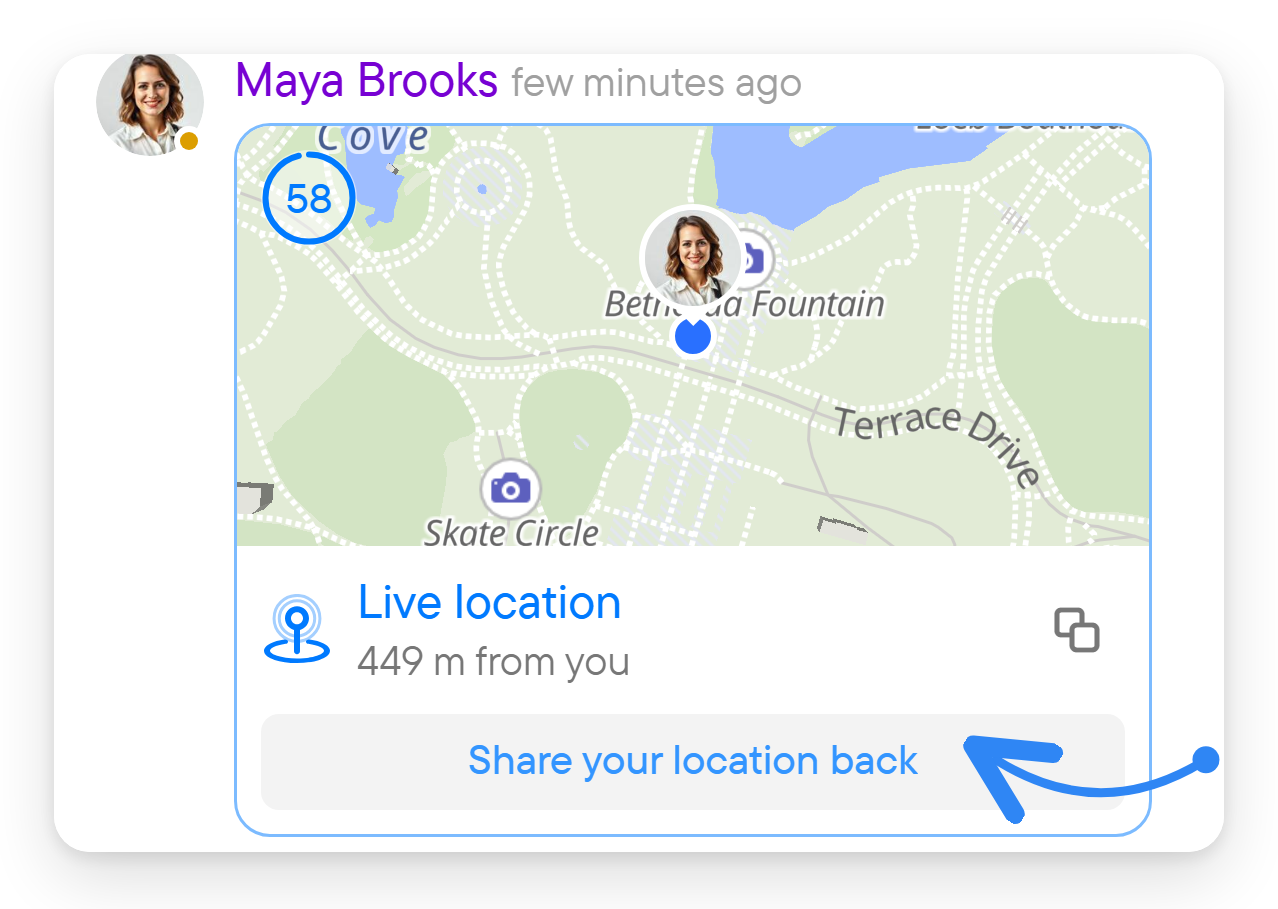
Choose Share my location for… ("Updated in real time as you move"), then select for 15 minutes, for 1 hour, for 8 hours, or Until turned off. Allow the necessary location permission. The chat shows a live location message with a countdown (or an infinity sign for Until turned off), and a map strip with the sharers at the top of the chat while sharing is active. People who are not sharing see Share your location back under a live message.
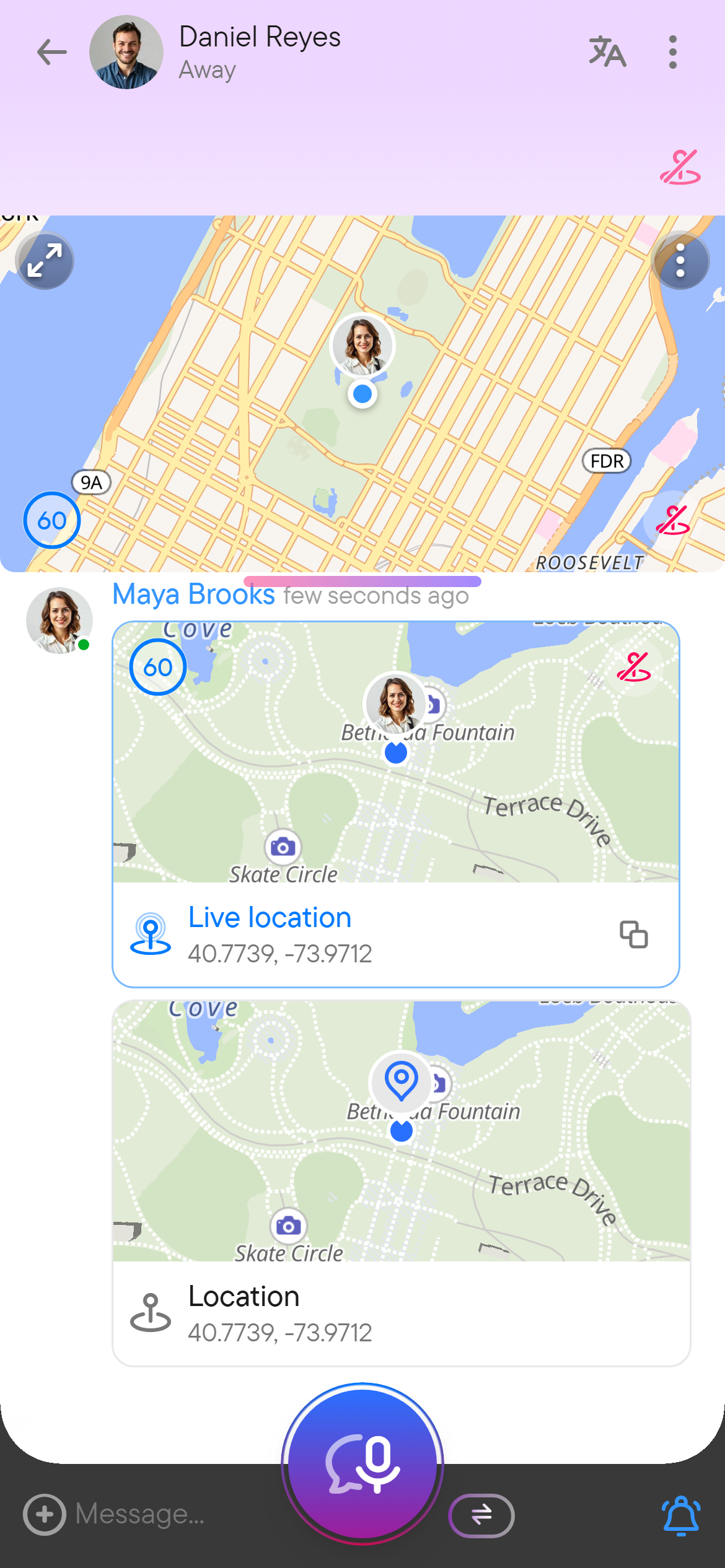
Open the shared location to view the map; each sharer's row shows when the position was last updated. Your own active location message has a stop-sharing button on its map; the map strip and the chat activity controls have one too (Stop location sharing). Use it when you want to stop before the selected period ends. Device permissions and background behavior affect the availability and freshness of location updates.
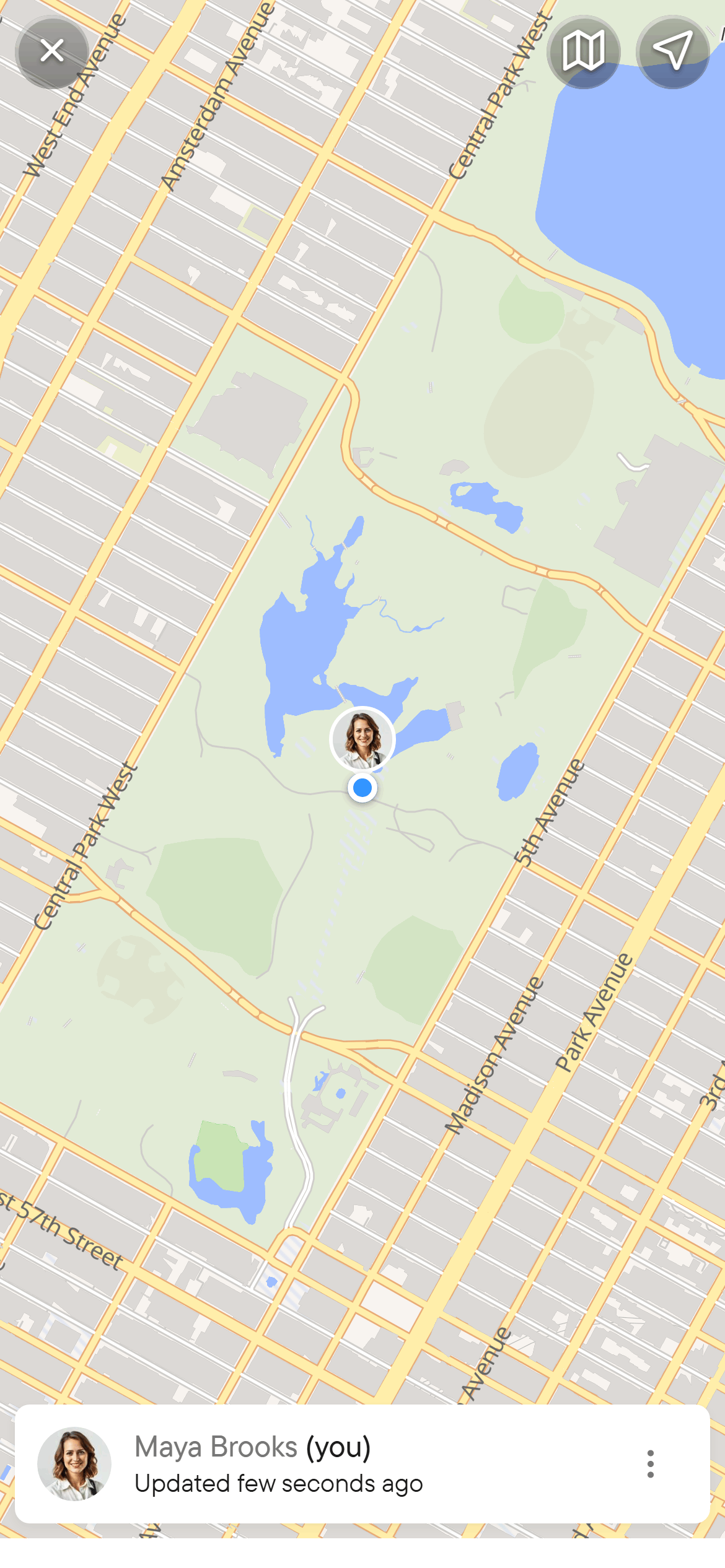
Only one device shares live for you at a time. If you start sharing from a second device, that device takes over and the first one stops; the share dialog then says "Sharing from another device now — this one takes over", and the map strip on the other device offers Share from this device.
Links to a point on a map
A link to a point on a map in a message (for example a Google Maps link with coordinates) shows a small map below the message, titled Location. It opens the same map view as a location message.
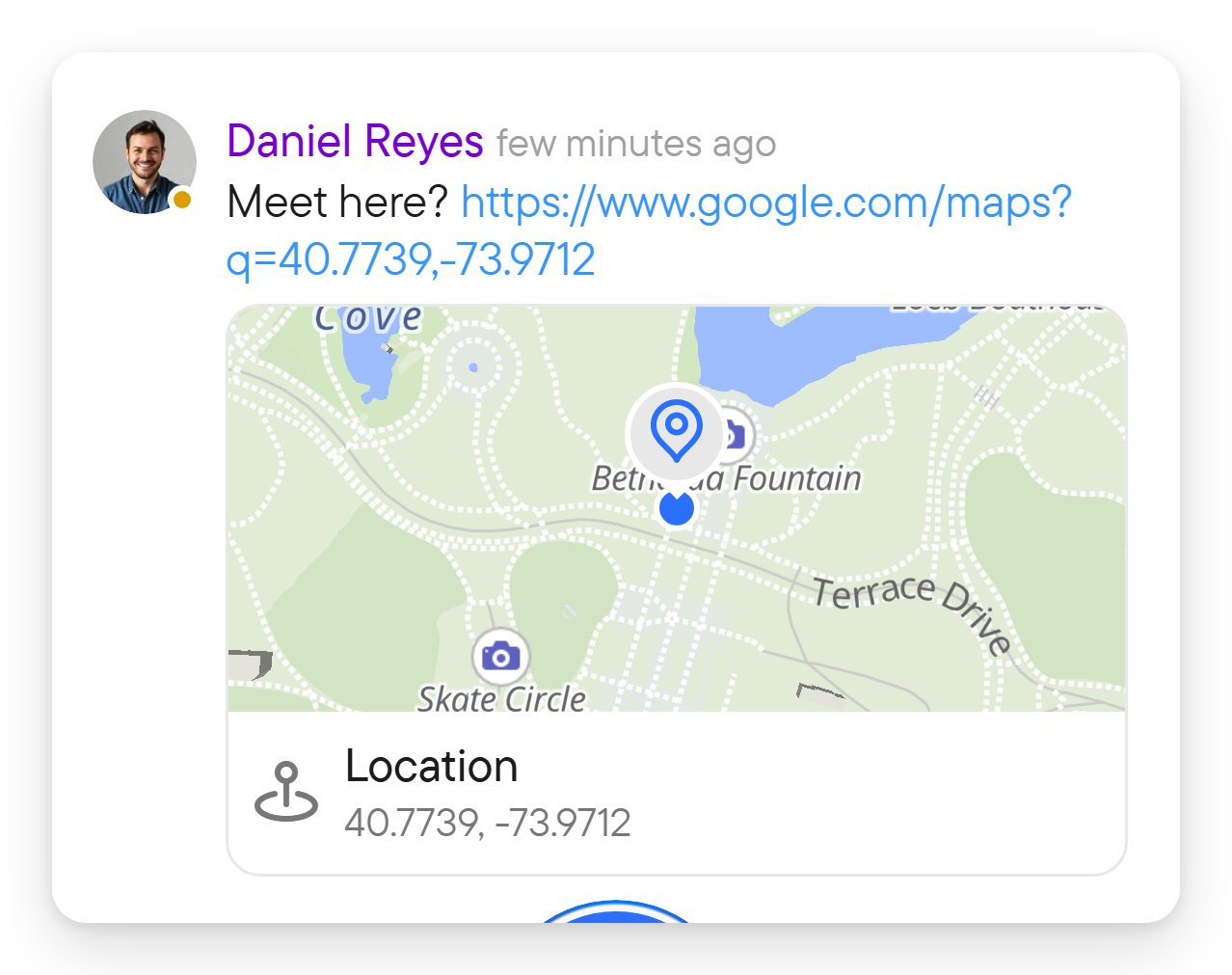
What recipients see
A fixed point sent from your position is titled Location and shows its distance from the viewer when the viewer's position is known; a point chosen on the map is titled Place. A live share is titled Live location. Each location message has a copy button for a map link. While a location message is still being sent it shows a clock instead of the pin.