
Conversation summaries
Summaries help you catch up with longer conversations. They work with the text of the conversation, including recognized speech.
When summarization is enabled, Voxt groups conversations into blocks with a title and summary. A live block can help you catch up while a conversation is still running; completed conversation blocks give you a compact way to browse its history.
- Open the chat and find the conversation block.
- Read its title and summary for an overview.
- Expand it to inspect the underlying messages when you need context or exact wording.
- Collapse it again to continue browsing the chat.
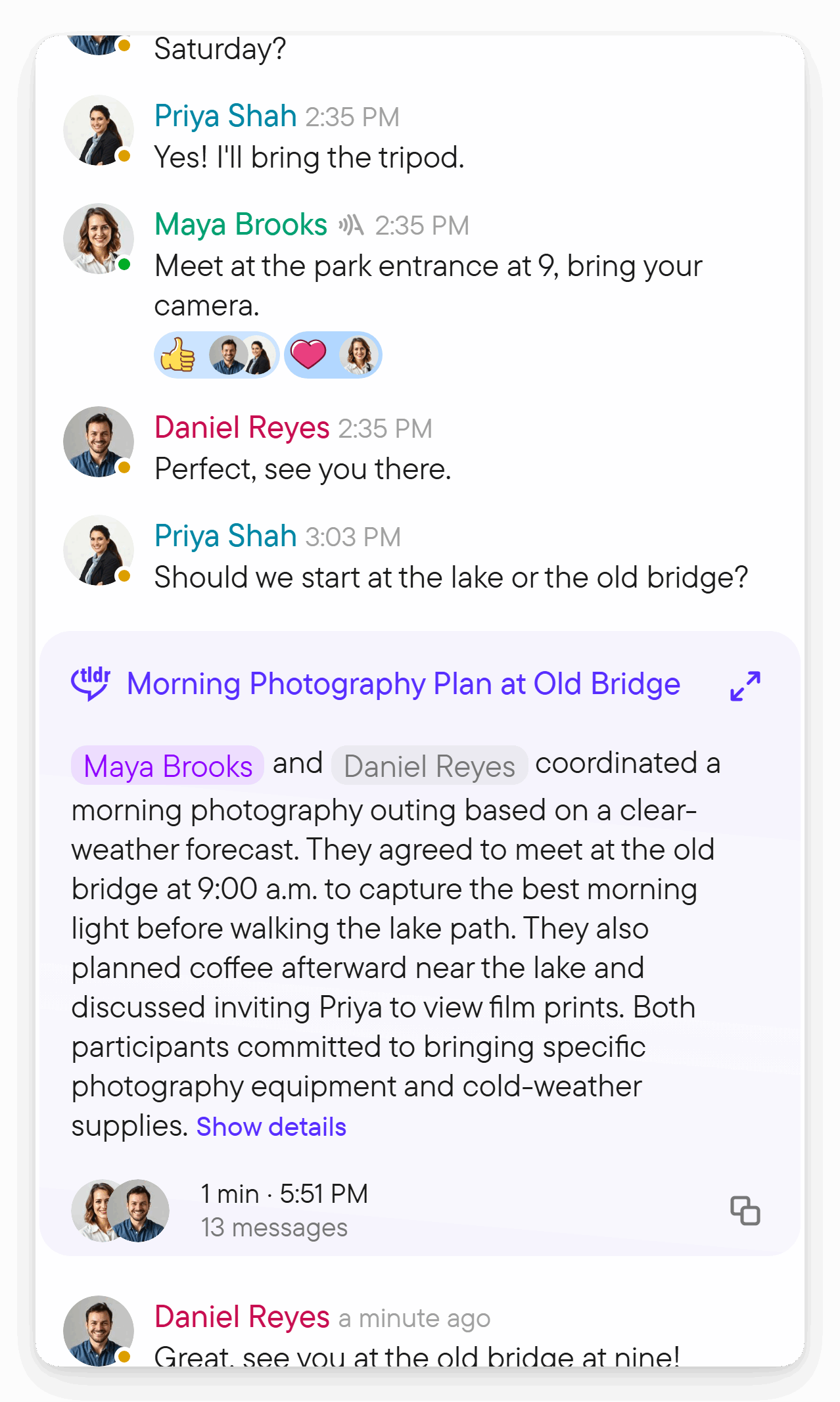
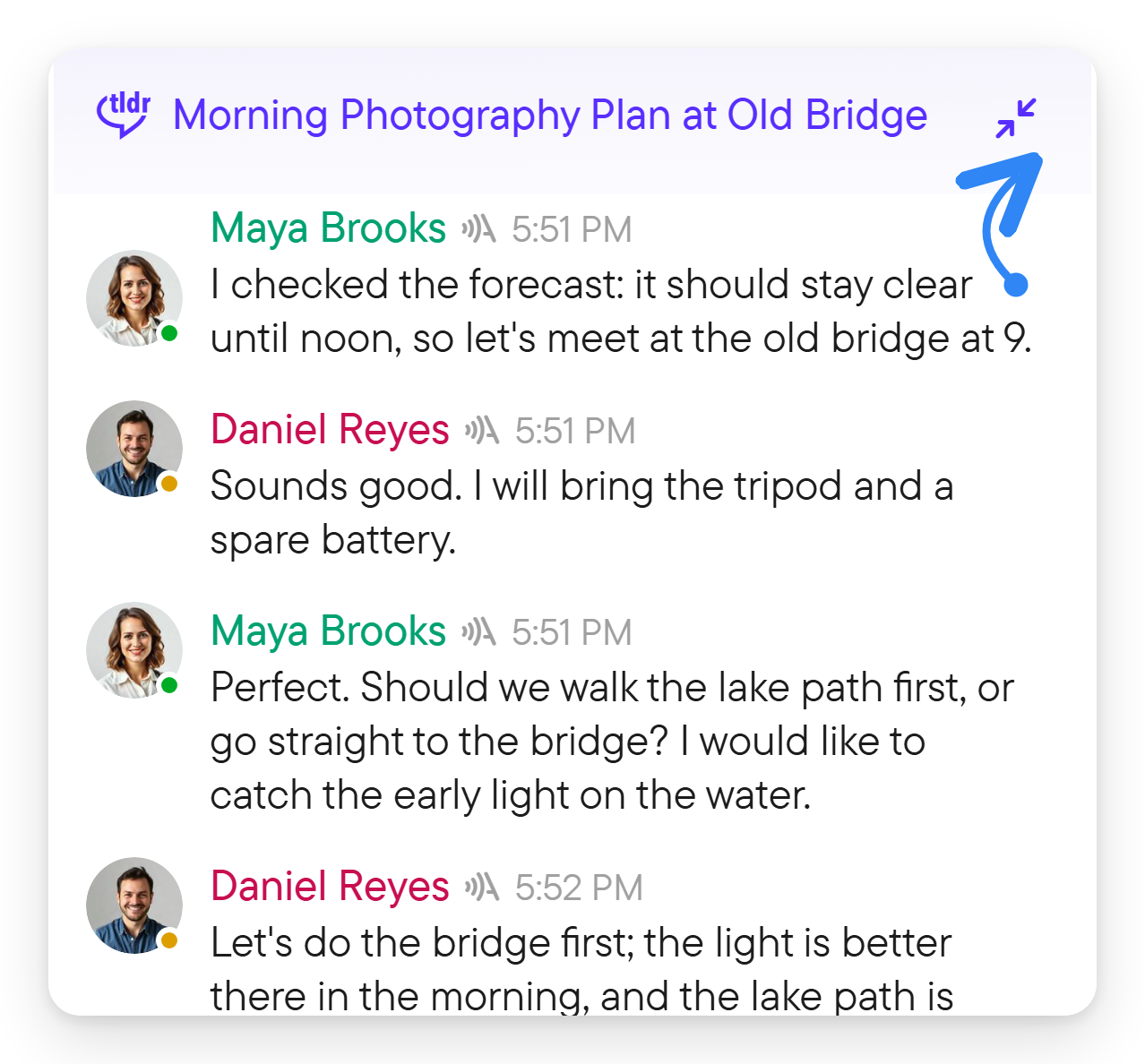
Use Join on an active conversation block when you want to participate. It starts your microphone, so be ready to speak. Reading a summary does not join the live conversation automatically.
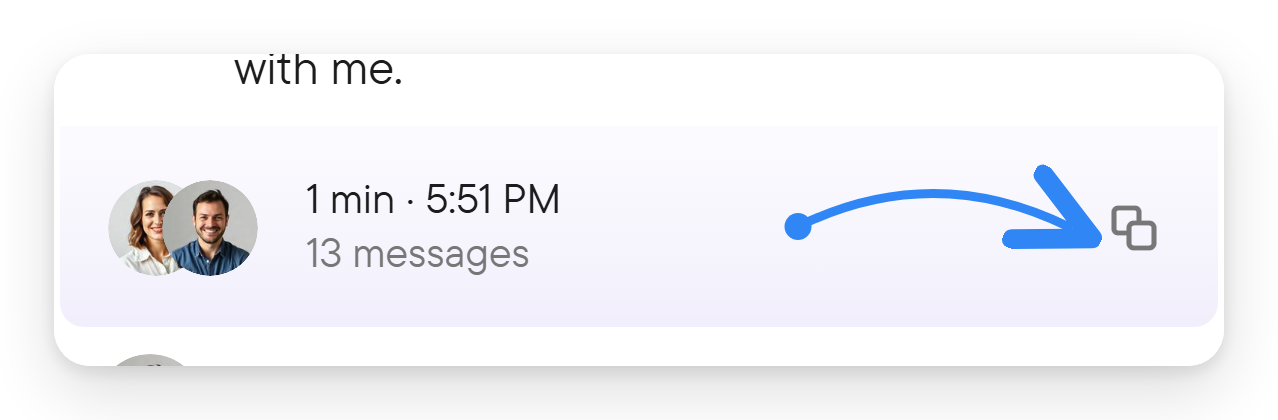
Where the conversation footer offers Copy, use it to copy its title, description and summary. Translation can also apply to conversation titles and summaries when it is enabled for the chat; see translation.
Enable summaries for a chat
Open the chat details in the right panel and find Summarize; a new group chat has it On. The chat's menu also offers Enable summaries or Disable summaries. A group chat owner can change this setting; either participant can change it in a direct chat. Other members can see an enabled setting but cannot change it. The setting is not shown for a single-author chat.
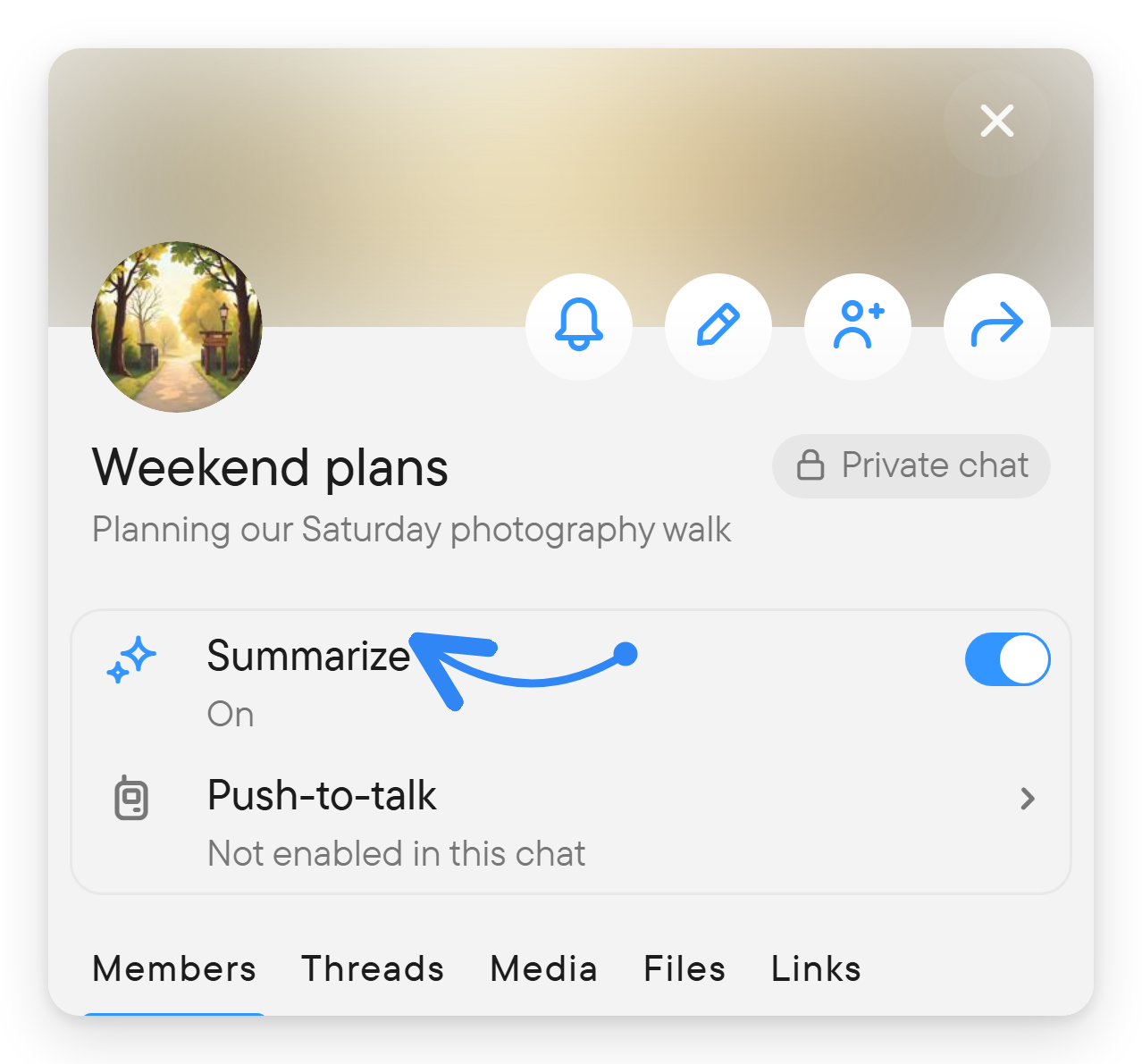
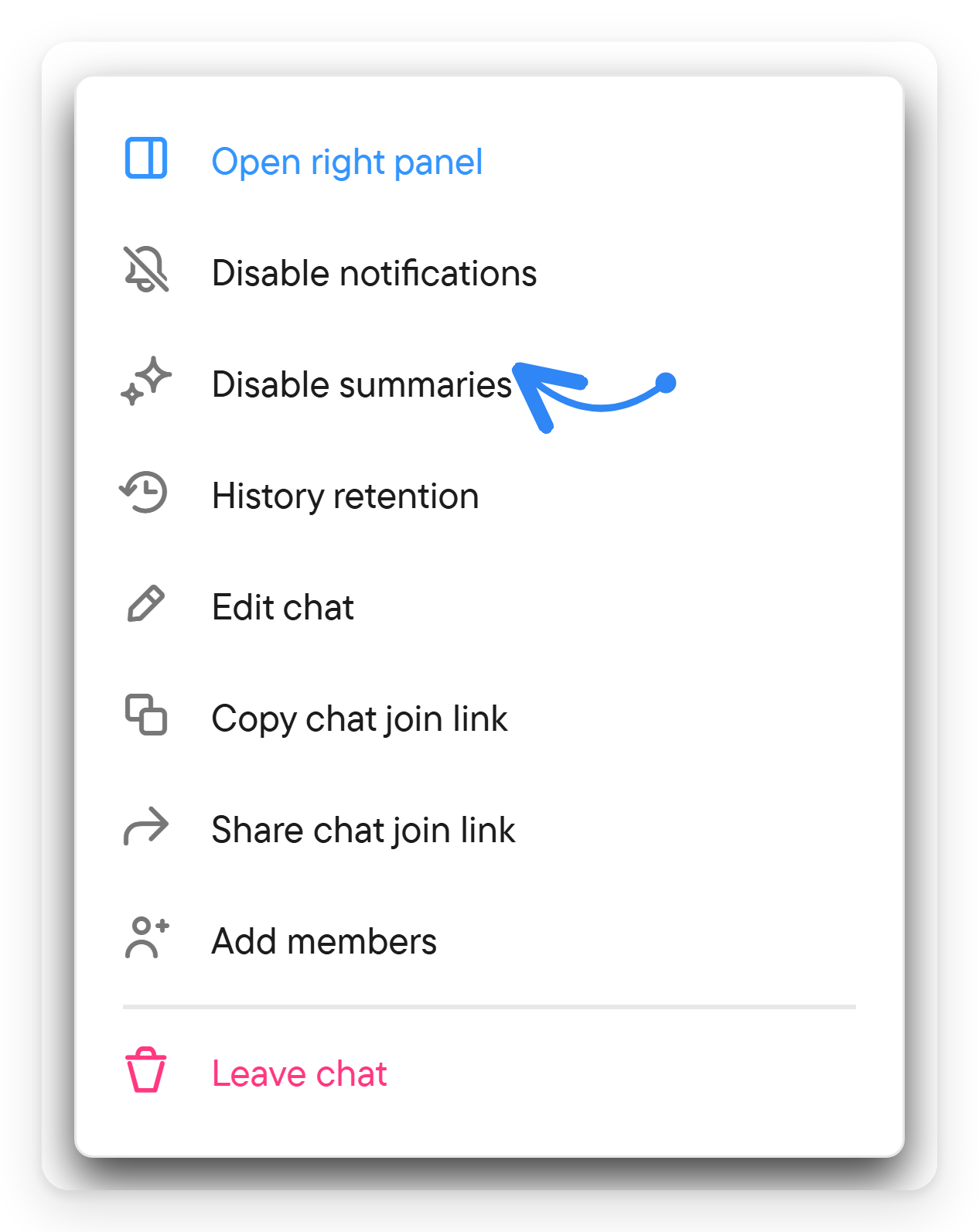
Changing Summarize changes the chat's summarization setting for everyone, so it is managed through the chat details rather than a personal reading option such as translation.
A summary is an aid to catching up, not a replacement for the original messages. Open the conversation when you need exact commitments, quoted wording or the full sequence of replies.